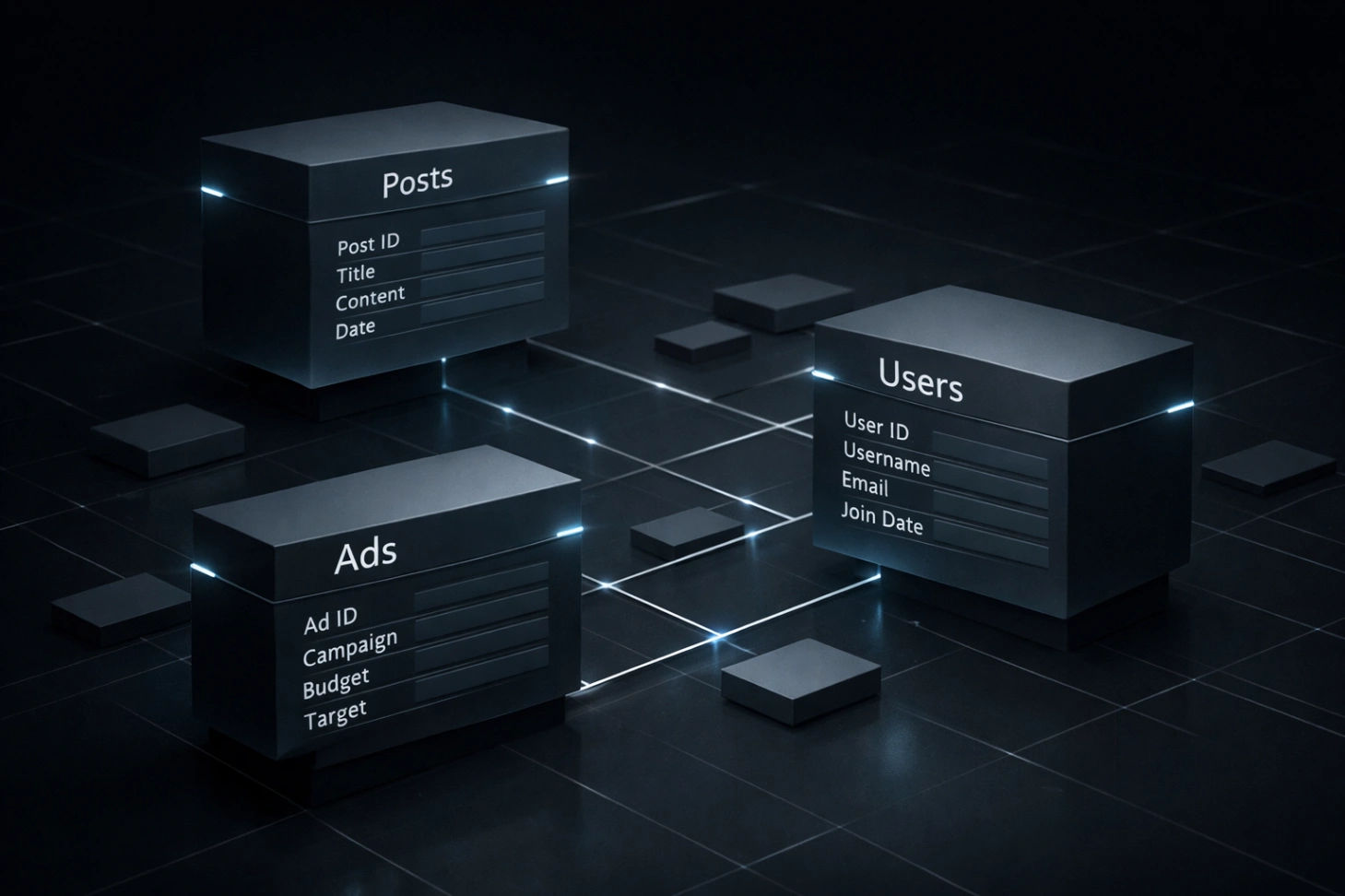
Mastering Next.js Database: Why PostgreSQL with Prisma is the Ultimate Choice?
The Ultimate Guide to Scalable Databases: Next.js + Prisma + PostgreSQL
In the world of modern web development, speed and data integrity are everything. If you are building a high-performance application—like a Multi-tenant CMS or a complex Advertisement System—the foundation of your project is its database.
Today, I’m breaking down why I use PostgreSQL with Prisma ORM and how you can set it up on your local machine.
1. Why PostgreSQL with Prisma?
Choosing a database stack can be overwhelming. Here is why this combination wins:
Relational Power: Unlike NoSQL databases, PostgreSQL is excellent at handling complex relationships (e.g., linking a Post to an Author and a Category).
Type Safety: Prisma provides a "Type-safe" client. This means if you rename a field in your database, your code will show an error immediately, preventing runtime crashes.
Scalability: PostgreSQL is the industry standard for reliability, making it perfect for applications that grow from 100 to 1 million users.
2. Deep Dive into the Schema Architecture
The schema I’ve developed for my latest project is designed for Multi-tenancy. This means a single database can power multiple websites.
Core Models Explained:
Admin Model: Handles authentication with roles (
SUPER_ADMINandCLIENT).Post & Category: Features full SEO support with fields for
metaTitle,ogImage, andcanonicaltags.Advertisement System: A sophisticated model that tracks
impressionsandclickswhile supporting multipleAdTypeslike Banners and Video.
3. Setting Up on Localhost
To get this database running on your computer, follow this step-by-step guide.
Step 1: Install PostgreSQL
Ensure you have PostgreSQL installed. You can download it from postgresql.org. Once installed, create a database named my_blog.
Step 2: Environment Configuration
In your project root, open your .env file and add your local connection string:
Code snippet
DATABASE_URL="postgresql://postgres:YOUR_PASSWORD@localhost:5432/my_blog?schema=public"
Step 3: Critical Localhost Commands
Run these in your terminal to sync your code with your local database:
Initialize the Database:
npx prisma migrate dev --name initThis creates your tables based on the schema.Generate the Client:
npx prisma generateThis enables auto-complete for your database queries in VS Code.Visualize Your Data:
npx prisma studioThis opens a GUI atlocalhost:5555where you can manually add posts or ads.
4. Conclusion
Using Prisma with PostgreSQL turns the "headache" of database management into a structured, enjoyable process. By using a multi-tenant siteId approach, you build a system that isn't just a blog, but a powerful platform.
generator client {
provider = "prisma-client-js"
}
datasource db {
provider = "postgresql"
url = env("DATABASE_URL")
directUrl = env("DIRECT_URL")
}
// =========================
// 1. Authentication & Users
// =========================
model Admin {
id Int @id @default(autoincrement())
name String
email String @unique
password String
role String @default("CLIENT") // SUPER_ADMIN یا CLIENT
siteId String? //
posts Post[]
resetToken String?
resetTokenExpiry DateTime?
createdAt DateTime @default(now())
updatedAt DateTime? @updatedAt
}
// =========================
// 2. Content Management
// =========================
model Post {
id Int @id @default(autoincrement())
siteId String //
title String
slug String
shortDesc String?
content String
metaTitle String?
metaDesc String?
ogTitle String?
ogDesc String?
ogImage String?
canonical String?
mainImage String?
images String[]
categoryId Int
authorId Int
published Boolean @default(false)
featured Boolean @default(false)
createdAt DateTime @default(now())
updatedAt DateTime @updatedAt
author Admin @relation(fields: [authorId], references: [id], onDelete: Cascade)
category Category @relation(fields: [categoryId], references: [id], onDelete: Cascade)
@@unique([slug, siteId]) //
@@index([featured, siteId])
}
model Category {
id Int @id @default(autoincrement())
siteId String
name String
slug String
metaTitle String?
metaDescription String?
createdAt DateTime @default(now())
updatedAt DateTime @updatedAt





