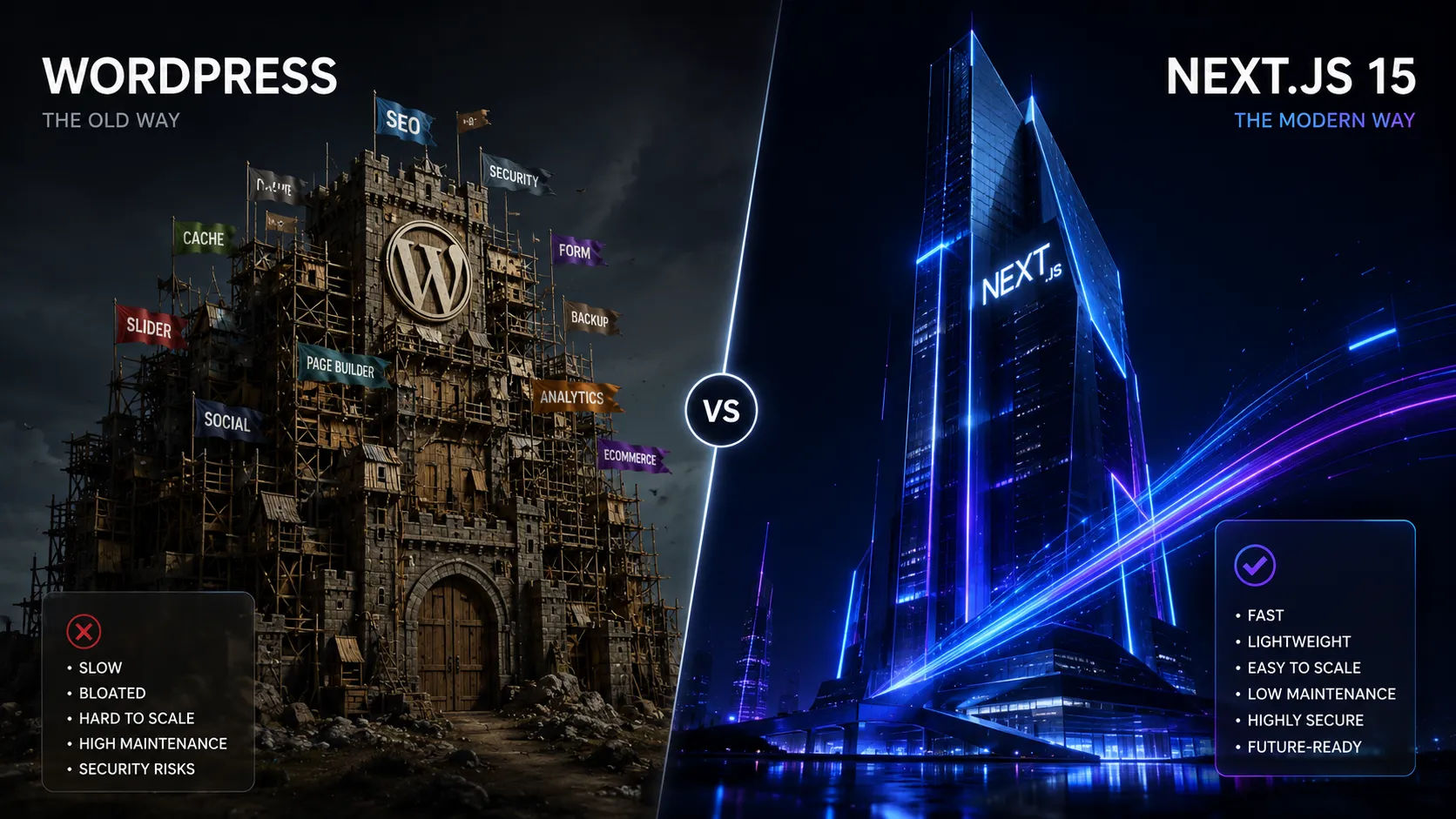
wordpress-vs-nextjs-15-why-i-built-my-professional-blog-with-a-custom-stack-in-2026
WordPress vs. Next.js 15: Why I Built My Professional Blog with a Custom Stack in 2026
For over a decade, WordPress has been the undisputed king of the web. It powers over 40% of all websites, and for a long time, it was the default choice for anyone looking to start a blog. But as we move through 2026, the demands of the modern web have changed drastically. Users expect instant loading times, search engines demand perfect Core Web Vitals, and security threats are more sophisticated than ever.
When it came time to build WisemixMedia, I faced a crucial decision: go with the traditional route of WordPress or build a custom solution from scratch. I chose to ditch WordPress and build my custom blog using Next.js 15, Prisma, and Tailwind CSS.
Here is why a custom Next.js 15 stack completely outperforms WordPress in 2026, and why making the switch was the best decision for my platform.
1. Performance and Speed (The Core Web Vitals Battle)
WordPress is fundamentally driven by PHP and database queries that execute every time a user visits a page (unless heavily cached). Over time, as you add plugins for SEO, contact forms, and security, your site becomes bloated and slow.
The WordPress Reality: Slow Time-to-First-Byte (TTFB), plugin bloat, and constant optimization struggles.
The Next.js 15 Superpower: Next.js 15 utilizes Incremental Static Regeneration (ISR) and Server-First architectures. This means my blog posts are compiled into static HTML pages directly on the server. When a reader clicks a link, the page loads instantly—literally in milliseconds—offering a flawless user experience that WordPress simply cannot match without expensive hosting setups.
2. Full Control Over the Database with Prisma
In WordPress, you are forced to use its legacy database structure, which jams everything into a few generic tables like wp_posts and wp_postmeta. This makes building custom features, like automated ad networks or micro-utility tools, messy and inefficient.
By building a custom stack, I designed my own relational database using Prisma ORM and PostgreSQL. My schema.prisma file is clean, type-safe, and structured exactly how I need it. If I want to build a multi-tenant ad manager or add an interactive tool hub to my site tomorrow, my database is already optimized for it, allowing me to ship features at lightning speed.
3. Freedom from "Plugin Hell" and Maintenance Exhaustion
One of the most frustrating aspects of managing a professional WordPress site is maintenance. You constantly have to update plugins, themes, and the WordPress core. If one plugin update breaks compatibility with another, your entire live site goes down. Furthermore, old or unmaintained plugins are the number one gateway for hackers to exploit your site.
With Next.js 15, I don't use plugins; I write features. If I need an audio player or a contact form, I build it using modern, secure APIs. There are no background themes updating automatically and breaking my layout, and no security vulnerabilities hiding in third-party code. My site remains stable, secure, and under my absolute control.
4. Search Engine Optimization (SEO) in the AI Era
In 2026, SEO requires precision. Next.js 15 features an incredibly advanced, built-in Metadata API. Instead of relying on heavy plugins like Yoast or RankMath, I handle dynamic SEO titles, open-graph images, and canonical tags natively directly inside my layout and page components. Combined with its blazing fast speed, Google favors my custom stack because it delivers raw, clean HTML to search crawlers instantly.
5. Cost-Effectiveness and Scalability
To make a WordPress site scale to thousands of simultaneous users without crashing, you need expensive managed WordPress hosting. On the other hand, my custom Next.js 15 stack is deployed on Vercel with a database hosted on Supabase. Thanks to static caching and edge delivery networks, I can serve millions of visitors on their free or low-cost tiers without sacrificing a single millisecond of speed.
Conclusion
WordPress is still a fine utility tool for non-technical users who want a quick website without coding. But if you are a developer, an independent creator, or a tech professional building a platform for the future, Next.js 15 is the ultimate superpower. It gives you unbeatable speed, absolute database freedom through Prisma, rock-solid security, and a modern development workflow.
Building a custom stack requires more effort upfront, but the long-term rewards in performance, scalability, and creative freedom make it worth every single line of code.





