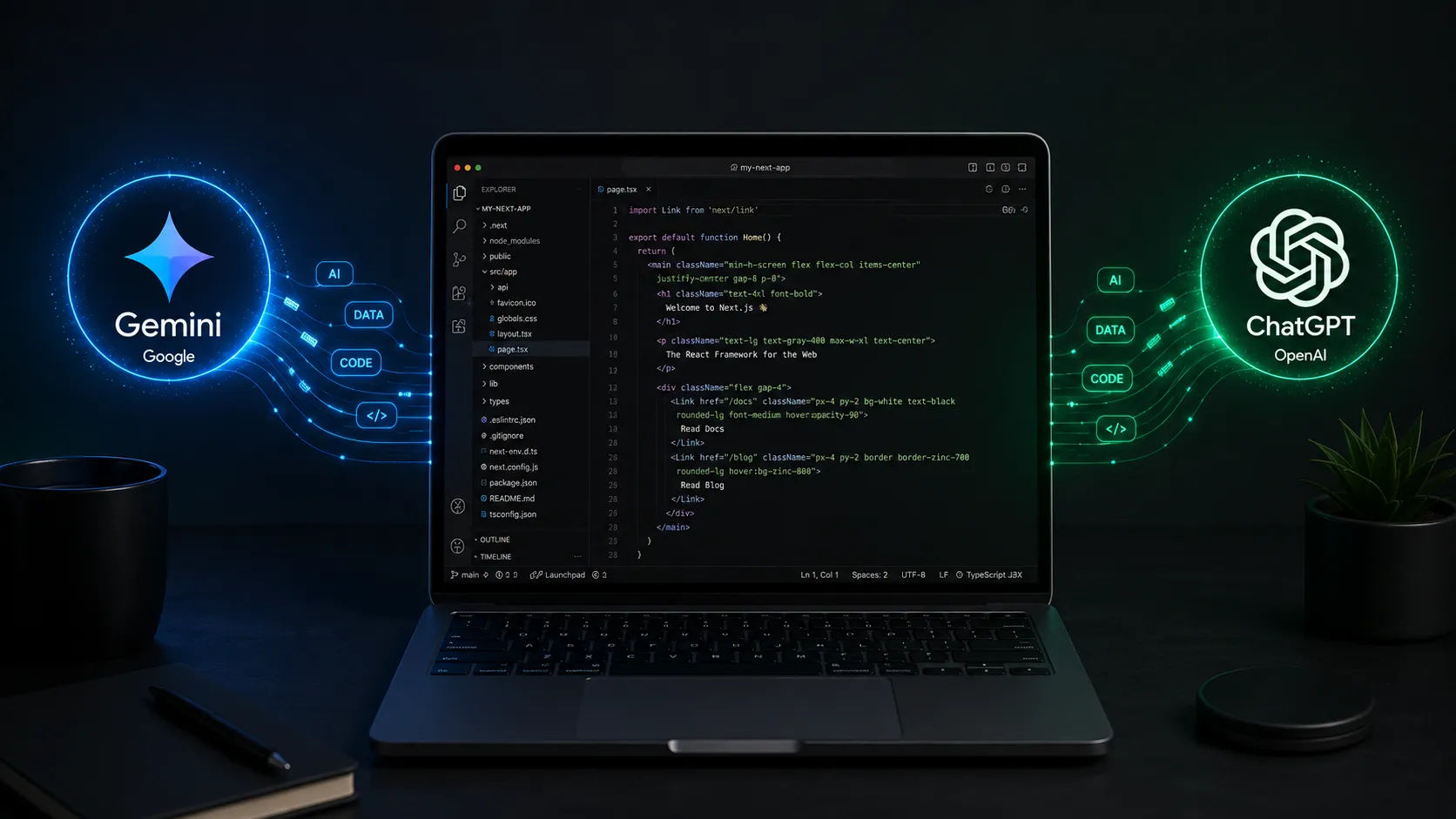
building-a-nextjs-app-with-gemini-and-chatgpt-why-paid-tools-arent-always-better
Building a Next.js App with Gemini and ChatGPT: Why Paid Tools Aren't Always Better
In 2026, the market for AI coding assistants is completely saturated. From premium subscriptions to heavy enterprise software, developers are constantly bombarded with advertisements claiming that you need to spend hundreds of dollars a month on "premium" AI models to build high-quality software.
But here is a secret that many industry professionals won't tell you: You can build, deploy, and monetize a world-class Next.js application using only the free tiers of Gemini and ChatGPT.
As someone balancing web development with a demanding daily schedule, I have built fully functional full-stack platforms by leveraging these exact free AI tools. In this article, we will break down why free tiers are more than enough for modern full-stack development and how you can combine Gemini and ChatGPT to create a high-performance Next.js stack.
The Reality of Free vs. Paid AI Models in 2026
Many developers believe that unless they are paying $20+ a month for a premium subscription, they are missing out on cutting-edge coding capabilities. While paid versions offer higher rate limits and experimental features, the free models available today (like Google's Gemini and OpenAI's ChatGPT free tier) are incredibly powerful.
Here is why paid tools aren’t always better for standard full-stack development:
Massive Context Windows on Free Tiers: Free tools now understand thousands of lines of code at once. You can pass entire Prisma schemas and multi-tenant routing configurations without running out of memory.
Standard Architectures Don't Need "Quantum" Logic: Building a Next.js application with authentication, database CRUD operations, and an API structure relies on established design patterns. Free models have already memorized these patterns perfectly.
Diminishing Returns: The coding logic generated by a $20/month model compared to a free version is often 95% identical for web architecture. The minor speed difference doesn’t justify the cost when you are in the bootstrapping or learning phase.
The Perfect Dynamic Duo: How to Combine Gemini and ChatGPT
Instead of relying on just one tool, the ultimate trick is to treat Gemini and ChatGPT as two different specialists on your development team.
1. Use Gemini for Context, Mass Ingestion, and Modern Next.js 15 Features
Gemini shines when it comes to reading large chunks of your project files. Because of its large context handling, it is excellent at understanding how your backend and frontend fit together.
What to ask Gemini: Pass your entire
schema.prismafile along with a Next.js Server Component and ask it to write the safe API route handler. It adapts remarkably well to modern Next.js features like Server Actions and dynamic routing.





