Professional UI Prompts for Building a Modern Blog Admin Dashboard
Blog Post Title: 4 Modern UI Design Prompts for a Sleek Blogging Admin Panel
Meta Description: Looking for UI inspiration? Explore 4 professional design prompts for a blogging platform admin dashboard, including login, setup, and post management screens.
Build an Optimized Hero Image & Featured Posts Section in Next.js (With Prisma & Tailwind CSS)
Introduction
In the world of SaaS and full-stack development, the Admin Dashboard is the heart of the application. A clean, intuitive, and data-driven interface doesn't just look good—it improves productivity. Whether you are building with Next.js, React, or Vue, your UI should feel professional and sleek.
In this post, I’m sharing four detailed design prompts you can use with AI image generators or as a blueprint for your next CSS/Tailwind project.
1. The Modern "Overview" Dashboard
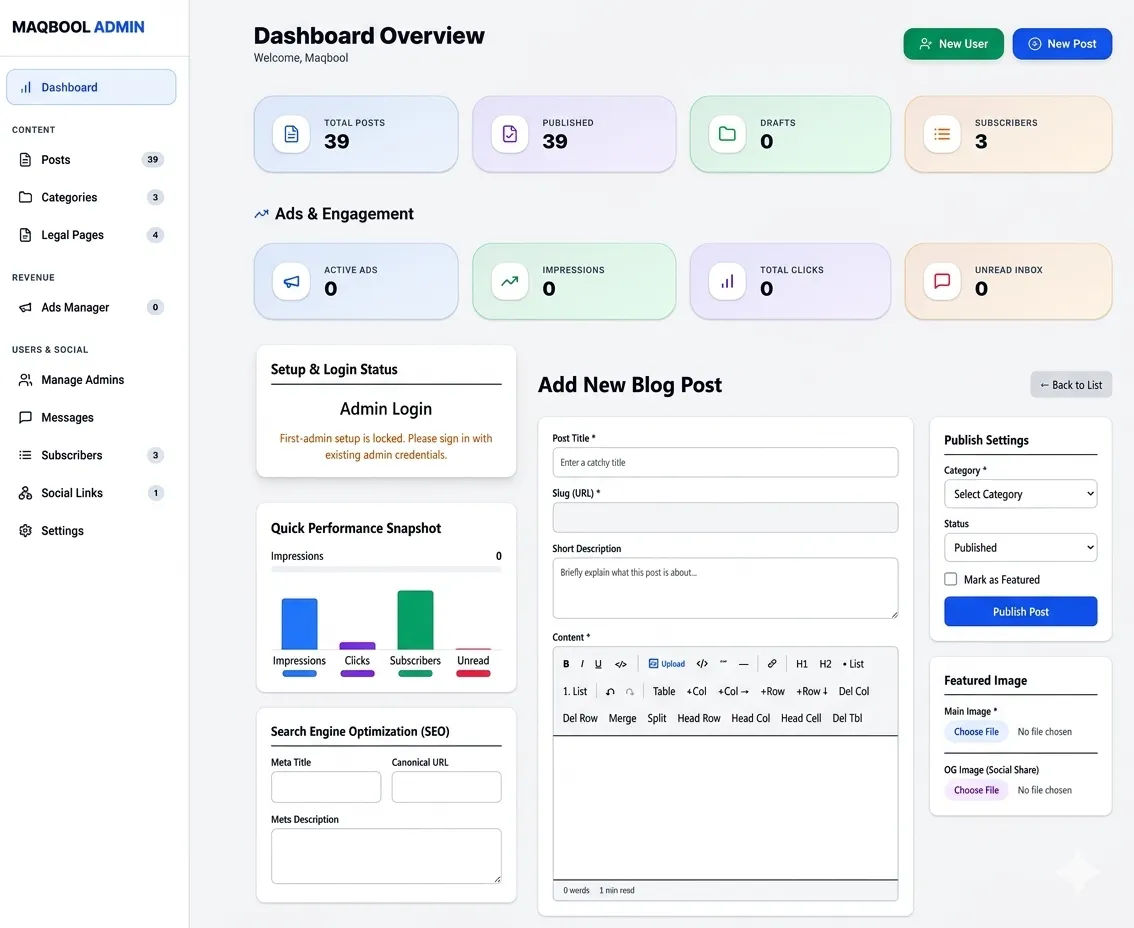
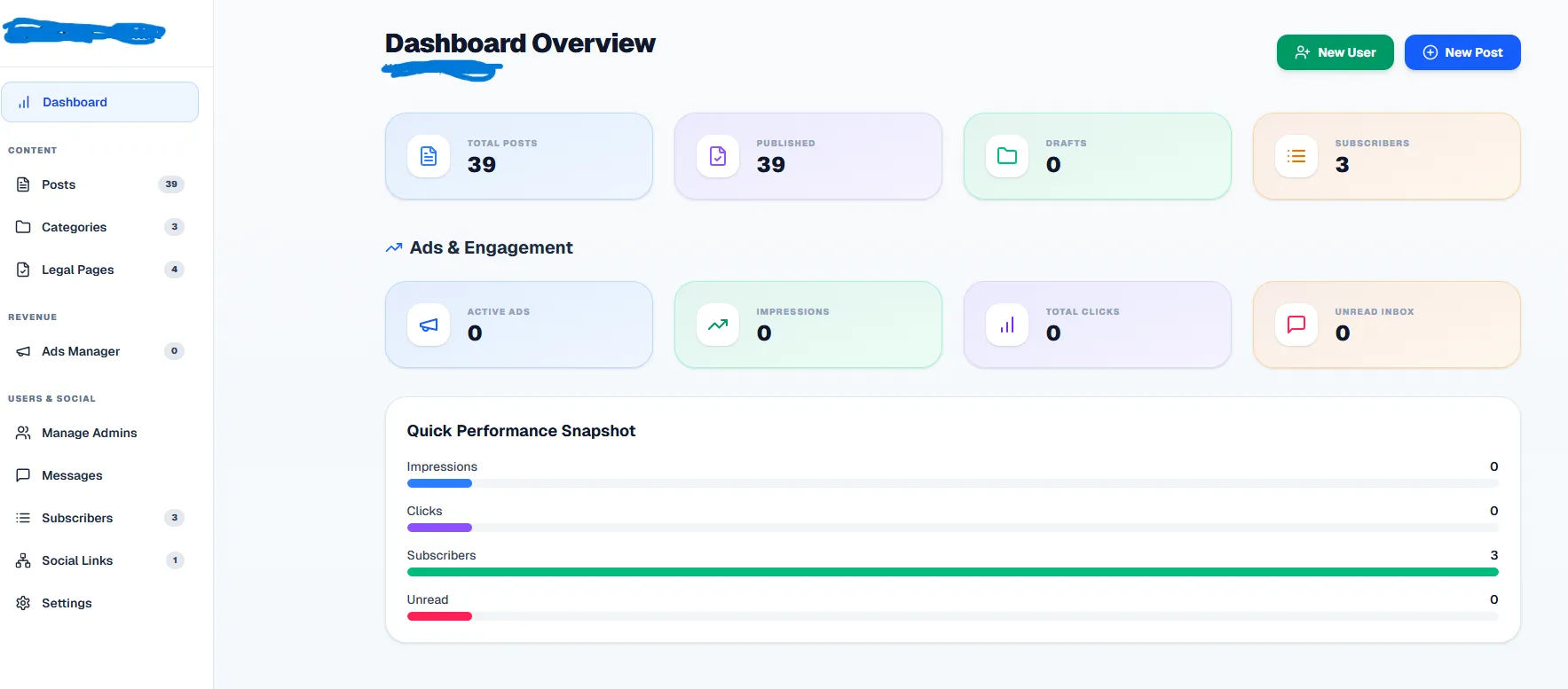
The goal here is a high-level view of your blog's health. We focus on "vibe-coding" elements: soft gradients, rounded corners, and clear typography.
The Prompt: "Design a modern admin dashboard UI. Layout: fixed full-screen with a left sidebar (logo + nav icons) and main content area. Use a clean, light theme with white cards, rounded-3xl corners, and a soft blue gradient background. Features: Top header with 'Dashboard Overview' and two CTA buttons (New User, New Post). Grid of stat cards (Total Posts, Published, Drafts, Subscribers) using colored icons. Include an 'Ads & Engagement' section and mini horizontal bar charts for performance snapshots."
2. The "First Admin Setup" Screen
Trust starts at the beginning. This screen is for the very first time a user installs your blogging platform.
The Prompt: "Create a single-page 'First Admin Setup' screen. Center a compact white card on a light gray background. Title: 'First Admin Setup' with a warning: 'setup locked after use.' Form fields: Name, Email, Password, and Confirm Password with blue focus rings. Primary CTA: 'Create First Admin' in solid blue. Overall style: minimal and trustworthy."