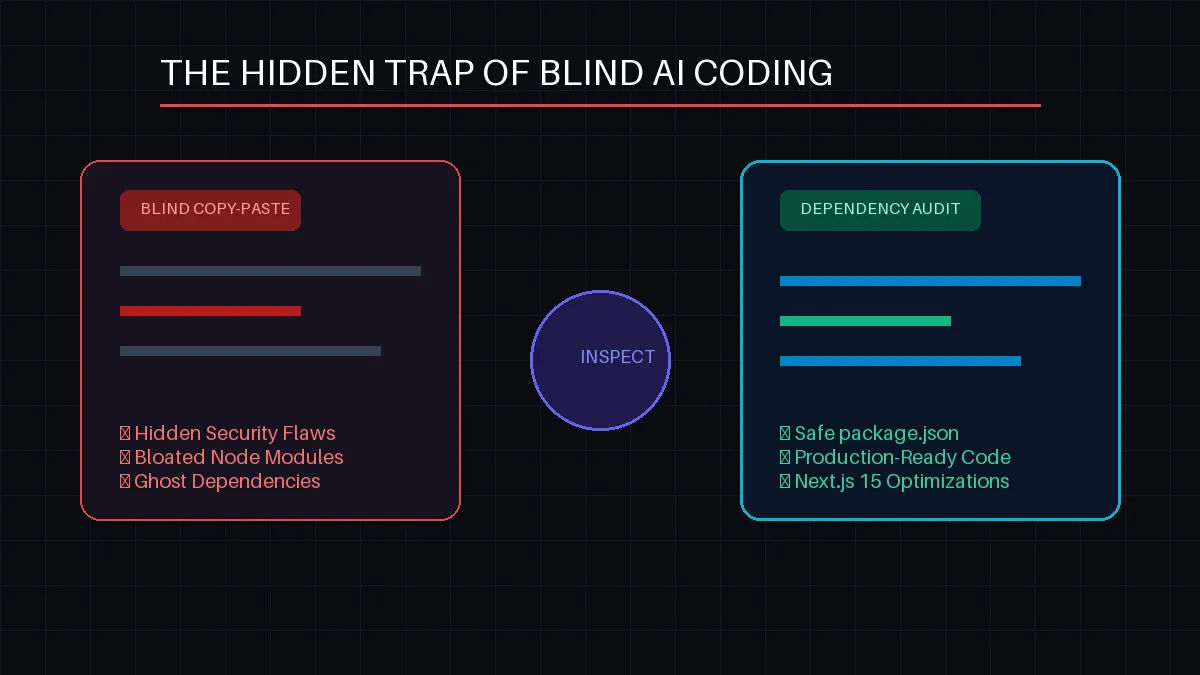
the-hidden-trap-of-blind-ai-coding-why-you-must-inspect-your-dependencies
The Hidden Trap of Blind AI Coding: Why You Must Inspect Your Dependencies
Artificial intelligence has completely rewritten the software development handbook. With advanced AI assistants and autonomous coding agents, we can generate whole application architectures, database models, and API endpoints in a matter of seconds. It feels like magic.
But this magic comes with a massive, dark side effect. Because coding has become as simple as clicking a "Copy" button or letting an agent write files directly into your workspace, thousands of junior and mid-level developers are falling into the hidden trap of blind AI coding.
They are pushing production code without understanding what lies beneath. The most dangerous area where this happens? Third-party dependencies and package imports.
Here is why blindly trusting AI code generation can break your applications, blow up your server costs, and expose your users to major security threats—and how to protect your code repository.
1. The Ghost Dependency Hallucination
AI models are trained on massive datasets of historical code, but they do not possess real-time awareness of every micro-update on npm or GitHub unless specifically prompted.
The Trap: When you ask an AI to solve a specific problem (e.g., "How do I parse this complex dynamic format in Next.js?"), the AI will often write code that imports a third-party utility package. In worst-case scenarios, the AI can completely hallucinate a package name that doesn't exist, or reference an obsolete, abandoned library that has been dead for five years.
The Fix: Never let an
importstatement slip past your radar. If you see an unfamiliar package inside the AI-generated snippet, stop. Look it up on npm or GitHub. Check its weekly downloads, its last update date, and its open issues before runningnpm install.
2. Excessive Package Bloat (Killing Your Next.js LCP)
AI tools are designed to solve your immediate, isolated problem. They don't naturally care about your overall bundle size or your Next.js application's Largest Contentful Paint (LCP) performance.
If you ask an AI to format a simple date string, it might blindly pull in a massive library like moment.js (which is over 200KB minified). A human developer inspecting their dependencies would realize that this can be solved natively using JavaScript’s built-in Intl.DateTimeFormat or a tiny 2KB alternative like date-fns.
Rule of thumb: Every single third-party library you add to your package.json increases the payload size your server and your users have to process. Keep your dependencies minimal and clean.
3. The Security Blind Spot: Malicious Packages and Exploits
Supply chain attacks are one of the fastest-growing cybersecurity threats. Hackers frequently publish malicious packages with names that look almost identical to popular ones (a technique called typosquatting).
If an AI tool accidentally suggests a misspelled package name or references a library that was recently compromised by malicious maintainers, and you blindly paste it into your local terminal, you are handing hackers the keys to your system. You could inadvertently expose your relational database secrets, your Prisma client tokens, or your deployment credentials.
The "Code Review Mindset": How to Code Safely with AI
AI is a brilliant assistant, but it should never be the final supervisor. To leverage artificial intelligence without breaking your apps, adopt these strict inspection habits:
Treat AI as Your Junior Developer: When a junior developer hands you a task, you don't instantly ship it to production. You read through it line-by-line, test it locally, and question their choices. Do the exact same thing with AI code.
Run Dependency Audits Routinely: Use automated command utilities natively built into your package manager to clean out vulnerabilities:





