Convert Fingerprint Form to 600 DPI PDF for NADRA Online
Listen to Article
High-quality browser TTS. No downloads.
Speed
How to Convert Passport Fingerprint Forms to 600 DPI PDF for NADRA Online
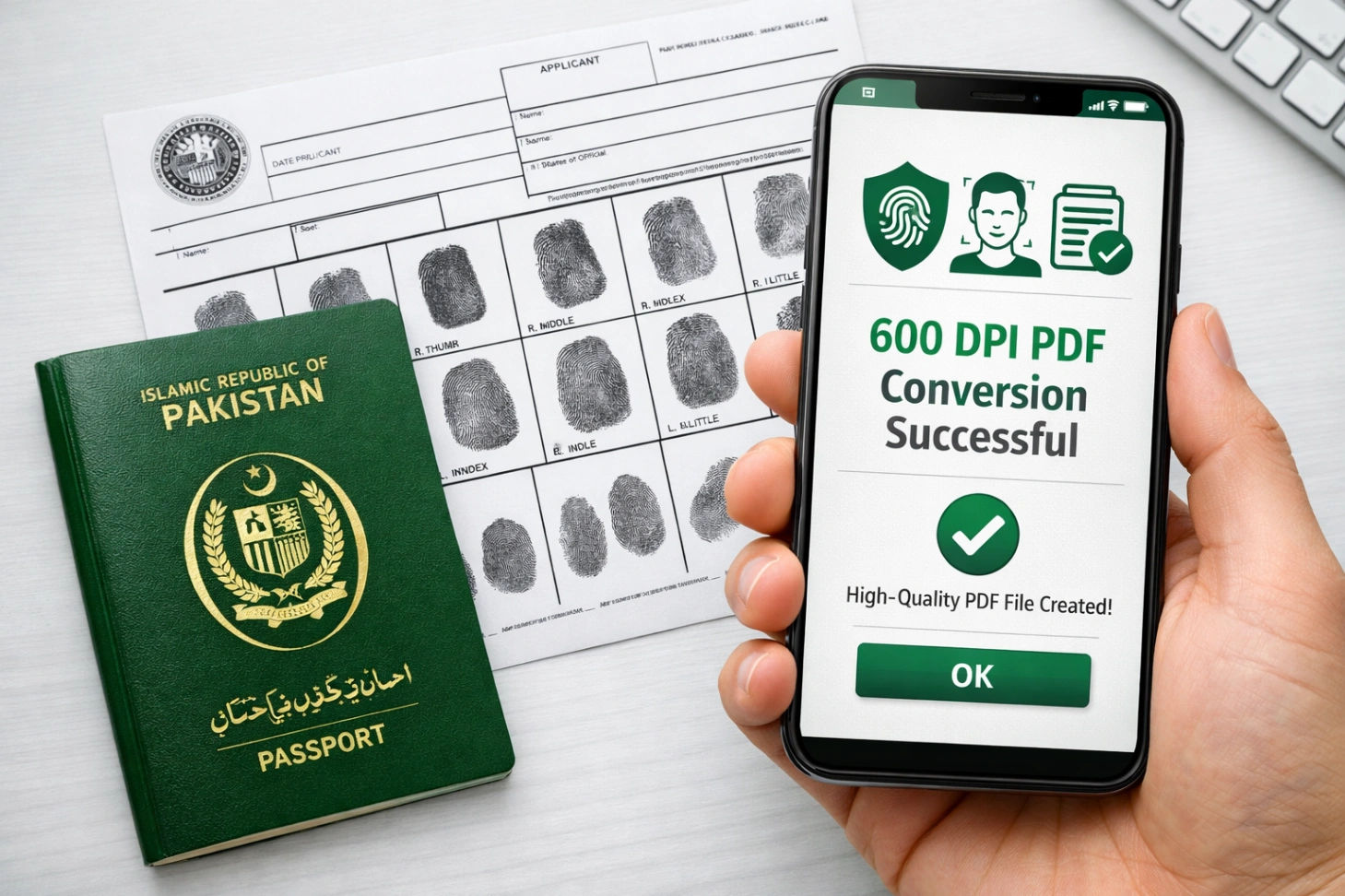
If you are a Pakistani expat living in Saudi Arabia, UAE, or anywhere in the world, renewing your passport online through the Directorate General of Immigration & Passports (DGI&P) is a blessing. However, there is one major headache: The Fingerprint Form.
NADRA’s online system strictly requires that fingerprint forms and supporting documents must be scanned at exactly 600 DPI. If the quality is lower, your application gets rejected, wasting your time and money.
In this guide, we will show you how to use the Wisemix DPI PDF Generator to create perfect 600 DPI documents right from your mobile or laptop.
The 600 DPI Challenge: Why NADRA Rejects Your Documents
Fingerprint patterns are intricate. If you scan them at a standard 72 or 300 DPI, the ridges of the fingerprints become blurry. NADRA’s automated verification system cannot read these blurry lines, leading to a "Quality Not Met" error.
Common Requirements for Pakistani Online Passport:
Resolution: Exactly 600 DPI.
Format: PDF or JPG (PDF is preferred for forms).
File Size: Usually must be under 3MB to 5MB.
Clarity: No shadows, no blur, and high contrast.
How to Create 600 DPI Fingerprint Forms without a Scanner
You don't need to find a printing press or a computer shop in Riyadh or Dubai. You can do it using your smartphone and our professional tools.
Step 1: Capture a High-Quality Photo
Take a clear photo of your signed fingerprint form in bright, natural light. Ensure there are no shadows on the paper.
Step 2: Use Wisemix DPI PDF Generator
Go to our specialized tool: Wisemix DPI PDF Generator.
Upload: Select the photo of your fingerprint form.
Select DPI: Choose the 600 DPI option from the settings.
Process: Click on the Process button.
Wait & Download: In just a few seconds, our system will upscale the resolution and convert it into a professional PDF. Click Download to save it.
Why Wisemix Media is Best for Pakistani Expats
1. Privacy is Guaranteed
Your fingerprints are sensitive biometric data. Unlike other websites, Wisemix Media does not save your images on any server. > Safe & Secure: The entire conversion process happens inside your browser (client-side). Your data stays on your device and is never uploaded to the cloud. You can process your fingerprints with 100% peace of mind.
2. Fast and Free
In a labor camp or at home, you don't always have access to heavy software. Our tool works in just minutes. It’s lightweight, fast, and completely free to use.
3. All-in-One Toolkit
If your ID card photo or passport-size photo needs resizing first, you can use our other tools:
Image Resizer: To set the exact pixel dimensions required by NADRA.
Image Compressor: If your 600 DPI file becomes too large to upload.
Step-by-Step Checklist for Online Passport Success
Download the Form: Get the official fingerprint form from the NADRA website.
Ink it Right: Use black ink and ensure the prints are not smudged.
Photo Tip: Use a "Document Scanner" app on your phone to crop the edges first.
Convert: Use Wisemix DPI PDF to set it to 600 DPI.
Upload: Submit to the Pakistani passport portal and get your renewal done smoothly!
Conclusion
Renewing your Pakistani passport shouldn't be a struggle. By using the right digital tools, you can avoid the frustration of rejected applications. Our goal at Wisemix Media is to empower workers and expats with professional technology that is easy to use and safe.
Get started now: