The Ultimate Guide to Safe Image Resizing: Fast, Free, and Professional-Grade
Listen to Article
High-quality browser TTS. No downloads.
Speed
The Ultimate Guide to Online Image Resizing: Fast, Safe, and Professional-Grade
In the digital world, size matters—but not in the way you might think. Whether you are building a website, applying for a visa online, or uploading a profile picture to LinkedIn, having the correct image dimensions is critical.
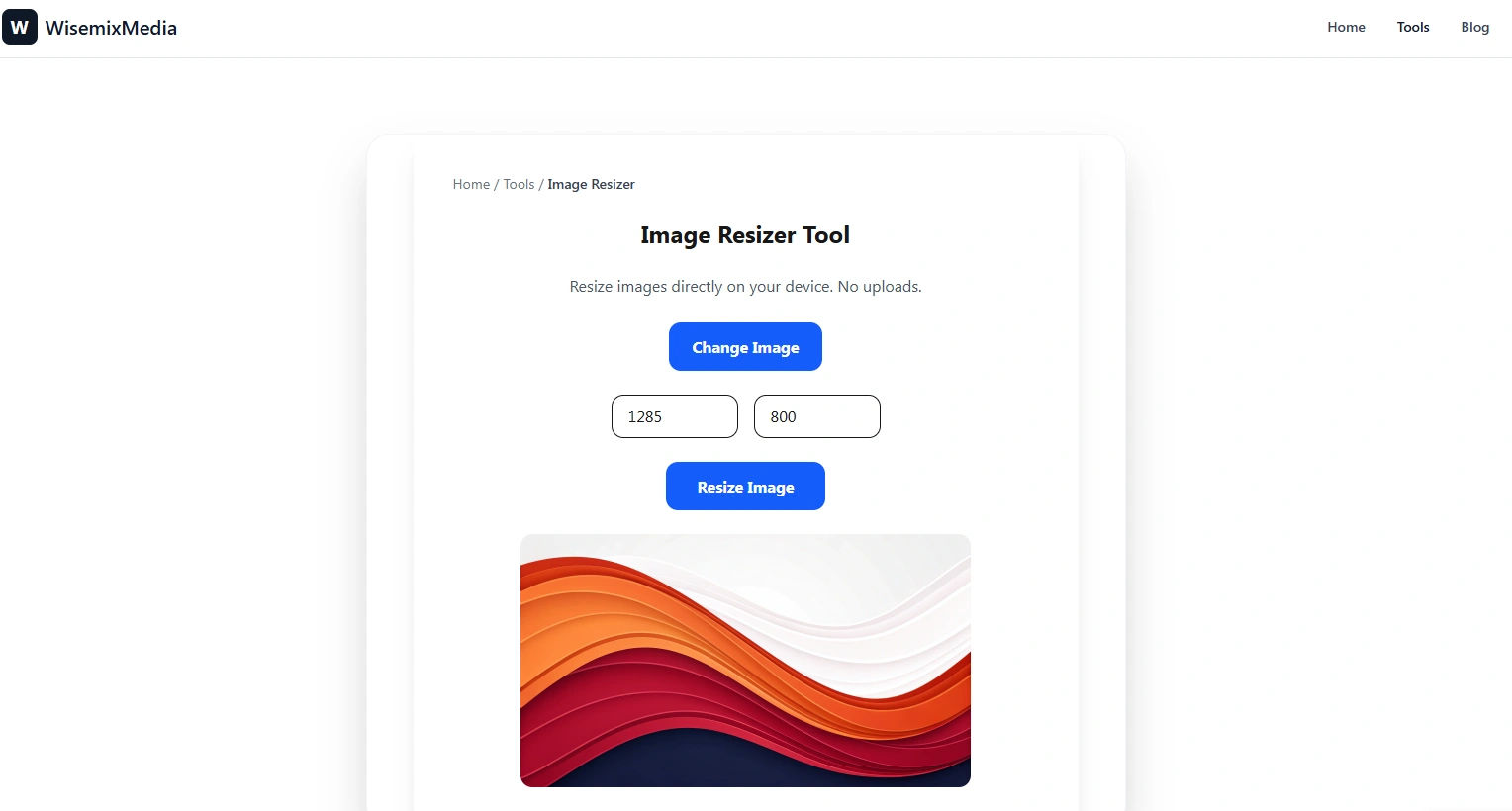
The WisemixMedia Image Resizer is built to solve the frustration of "distorted" or "rejected" uploads. This tool allows you to change the width and height of your photos instantly, for free, and with the same privacy-first approach we use across all our utilities.
1. What is Image Resizing and Why is it Necessary?
Image resizing is the process of altering the pixel dimensions of a digital photo. Unlike cropping, which cuts out parts of an image, resizing scales the entire image up or down.
Key Reasons to Resize Images:
Social Media Requirements: Instagram, YouTube, and LinkedIn all have specific aspect ratios (e.g., 16:9 for YouTube thumbnails or 1:1 for Instagram posts).
Website Optimization: Uploading a 4000px wide photo into a 400px wide box on your website wastes bandwidth and slows down your site.
Email Attachments: High-resolution photos can be 10MB+; resizing them makes them easier to send via email.
Online Applications: Government portals often require photos to be exactly 200x200 pixels or 300x400 pixels.
2. Privacy First: Why WisemixMedia is Different
Just like our compressor, our Image Resizer is a Client-Side tool.
Most online resizers take your photo, upload it to their cloud, process it, and then let you download it. This exposes your personal photos to third-party servers.
At WisemixMedia, your images never leave your browser.
The code runs locally on your computer.
No data is stored.
Total security for personal documents and private photos.
No Compromise on Privacy.
3. Understanding Aspect Ratio: The Key to Perfect Resizing
The biggest mistake people make when resizing is "stretching" the image. This happens when the Aspect Ratio (the relationship between width and height) is ignored.
Locked vs. Unlocked Aspect Ratio:
Locked: If you increase the width, the height increases automatically to keep the image looking natural.
Unlocked: You can set custom width and height, but be careful—this might make your subject look too thin or too wide.
WisemixMedia provides an easy "Lock" feature to ensure your photos always look professional.
4. Supported Formats for Every Professional
We support all major web and professional formats:
JPEG/JPG: The go-to for photographs.
PNG: Best for graphics that require transparency.
WebP: The modern format for high-speed websites.
GIF: Resize your animations without losing the movement.
5. Technical Benefits for Web Developers (Next.js & React)
As a developer myself (building with Next.js and Prisma), I know how important it is to serve the right image size.
Using oversized images triggers the "Serve scaled images" warning in Google PageSpeed Insights. By using our resizer, you can create specific versions of your assets:
Thumbnail: 150x150px
Mobile View: 480px wide
Desktop Hero: 1200px wide
This directly improves your Core Web Vitals and boosts your SEO ranking.
6. Step-by-Step Guide: How to Resize Like a Pro
Upload: Click "Select Image" or drag a file into the tool.
Enter Dimensions: Type in your desired width or height in pixels (px).
Toggle Aspect Ratio: Decide if you want to keep the original proportions.
Preview: See exactly how the resized image will look.
Download: Save the perfectly sized image to your device instantly.
7. Resizing vs. Compression: What's the Difference?
Many people get confused between the two.
Resizing changes the physical size (the pixels).
Compression changes the file size (the megabytes).
For the best results, you should Resize first to get the correct dimensions, and then Compress to make the file as light as possible for the web.
8. Built by Maqbool: A Story of Hard Work
I developed this tool while working long hours on a farm here in Saudi Arabia. My goal was to create a suite of tools that are actually useful and don't track the user. WisemixMedia is a passion project built on the values of honesty and hard work. When you use this resizer, you are using a tool built by a developer who cares about the community.
9. Frequently Asked Questions (FAQ)
Q: Will I lose quality when I resize my image? A: If you are shrinking an image (scaling down), the quality remains excellent. If you are trying to make a small image very large (scaling up), it may become pixelated. We recommend always starting with a high-resolution original.
Q: Is there a limit to how many photos I can resize? A: Absolutely not. Since the processing happens on your own browser, you can resize as many photos as you want, 100% free.
Q: Can I resize images for my US or Schengen Visa? A: Yes! Our tool is perfect for meeting exact pixel requirements for government and embassy portals.
10. Conclusion: Your Go-To Tool for Perfect Pixels
Stop struggling with complex software like Photoshop just to change a photo's size. WisemixMedia Image Resizer gives you professional results in seconds. It's fast, it's free, and most importantly, it's private.